SMILEON / FACEHIDECover faces in group photos
Start with detected faces covered in black. Review the whole photo, reveal chosen faces and add manual rectangles over any missed faces.
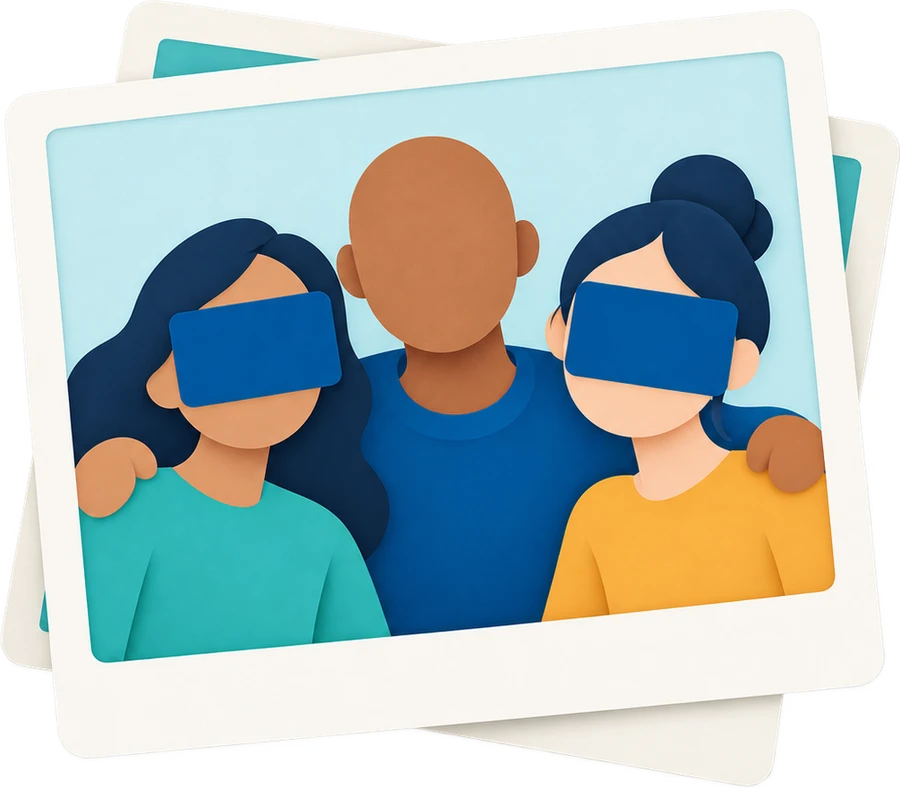 Tool illustration
How to use
- Choose a photo and inspect the automatically covered faces.
- Reveal chosen faces or add covers for missed areas.
- Apply the covers, review the result and save a PNG or JPEG copy.
What this tool does
- Cover all detections with individual face toggles
- Manual rectangles, coordinate/size controls and pixel-baked output
File and processing limits
- JPG, PNG or WEBP up to 20 MB, 20 MP and a 12,000-pixel long edge. Each dimension must be at least 16 pixels.
- Saves a PNG or JPEG copy. Large results are reduced to at most 12 MP and a 6,000-pixel long edge.
- Small or side-facing faces may be missed. Automatic detection does not guarantee every face is found or anonymity is achieved.
File processing and privacy
Files are processed on your device and are not uploaded to a server. Tool assets load from this site. Use is free, with no sign-in required.
Frequently asked questions
Will it detect every face automatically?
This cannot be guaranteed. Review the entire photo and add manual rectangle covers over any missed faces.
Are the covers included in the saved image?
Yes. Applied black covers are merged into the new image’s pixels. Check which faces and areas are covered before saving.
Do I need to upload my file?
No. Your selected file is processed in your browser. No account is required, and the original file stays unchanged.
 Smileon